

LendaNet – Credit Intelligence & Loan Management Dashboard
$15


| Created by | Kiaan_technology |
|---|---|
| File type | ZIP |
| File size | 1.87 MB |
| Date of Creation | October 26 2026 |
| Color | blue orange pink purple |
| Rating | 5 (11) |
| Category |
demo link – https://lynkbridge.kiaantechnology.online/login
# LynkBridge Connect – Enterprise Telecom Management Dashboard
LynkBridge Connect is a modern, responsive React frontend designed to manage enterprise telecom infrastructure, customer accounts, service locations, contracts, providers, and support operations from a centralized interface.
Built with React 19 and Vite 8, this dashboard features separate Admin and Customer portals, reusable UI components, analytics visualizations, and a glassmorphism-inspired design system using vanilla CSS.
## Key Features
– **Multi-Role Portals:** Separate Admin and Customer experiences with role-scoped interfaces.
– **Customer Management:** Create, update, and manage customer records and associated locations.
– **Location Management:** Organize site details and telecom infrastructure across multiple locations.
– **Telecom Service Tracking:** Manage circuit IDs, service types, providers, and service costs.
– **Contract Lifecycle Management:** Track contracts, monitor expiration dates, and manage renewals.
– **Support Ticket Management:** Create, assign, track, and resolve support tickets.
– **Document Repository:** Manage contract documents, invoices, and service orders.
– **Bulk CSV Import:** Import records in bulk and track import history.
– **Dashboard Analytics:** Visualize operational metrics with Recharts.
– **Responsive Interface:** Designed for desktop, tablet, and mobile screens.
– **Environment-Based Configuration:** Customize the application title, branding, API base URL, and support email through environment variables.
– **Reusable Architecture:** Organized components, hooks, context, services, routes, and utility modules.
## Technology Stack
– React 19
– Vite 8
– React Router DOM v7
– Recharts
– Lucide React
– Vanilla CSS
– Environment-based application configuration
## Demo Access
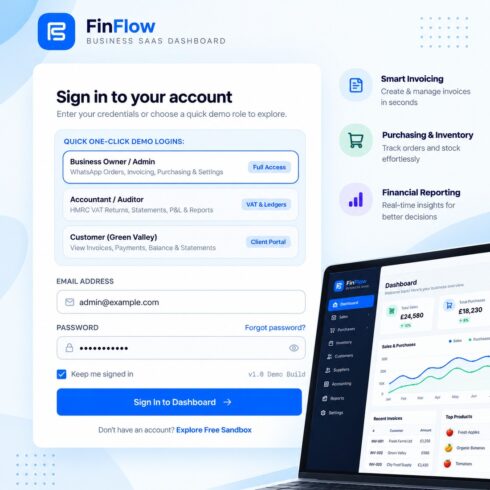
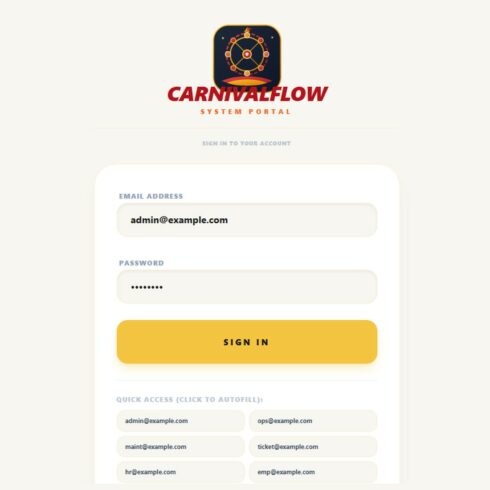
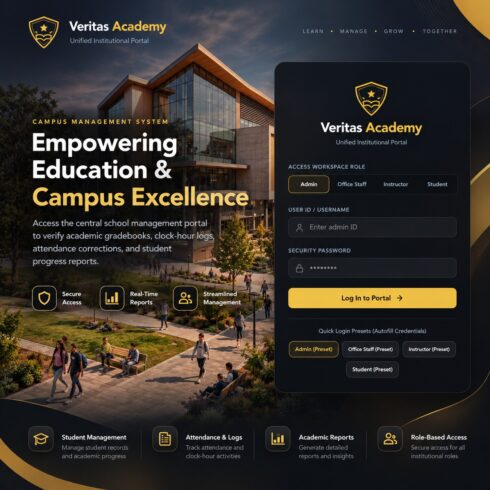
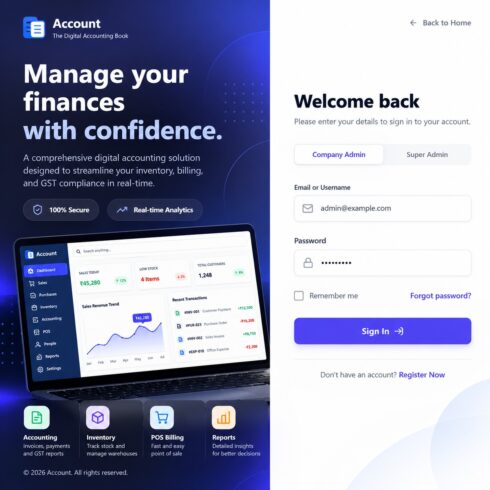
Explore the application using the built-in demo login options on the login page:
– Login as Admin
– Login as Customer
These options are intended to help buyers evaluate the interface and available workflows.
## Installation
1. Install dependencies using `npm install`.
2. Copy `.env.example` to `.env.local`.
3. Configure the application settings and backend API URL.
4. Start the development server using `npm run dev`.
5. Create a production build using `npm run build`.
Refer to `DOCUMENTATION.md` and `.env.example` for setup, architecture, branding customization, and backend integration guidance.
## Backend Integration
The project includes a frontend architecture with mock seed data and configurable API settings. A production backend, database, authentication service, and live telecom-provider integrations should be verified separately before deployment. Configure the required services and connect the frontend to your own backend as needed.
## License
Distributed under the commercial license supplied with the project. Review `LICENSE.md` for the applicable usage, redistribution, and client-delivery terms.
## Who Is This For?
– Telecom service providers
– Managed service providers
– Enterprise IT teams
– Telecom infrastructure management businesses
– Developers building customer and service management portals
– Agencies creating customized enterprise dashboards
**LynkBridge Connect provides a structured starting point for building modern telecom lifecycle and infrastructure management applications.**