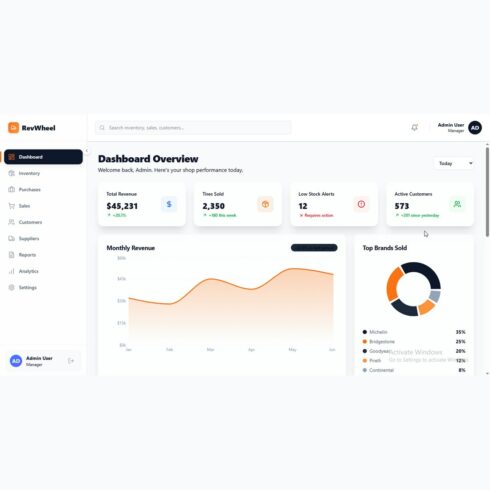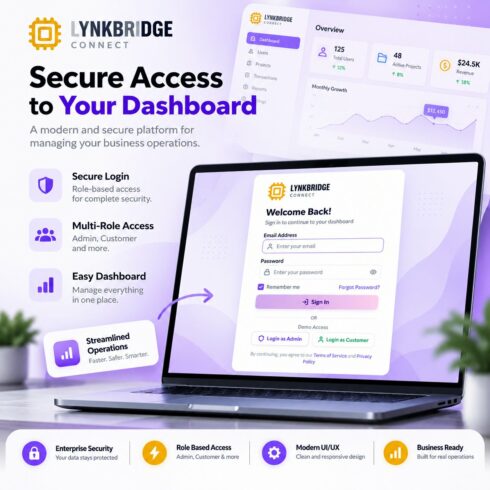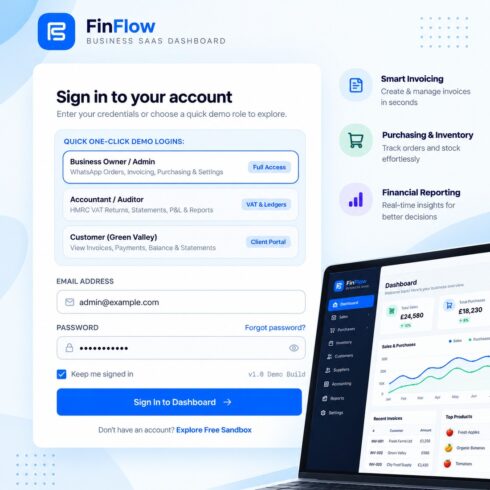

WorkForce Pro – Workforce Management & Payroll Admin Dashboard React Template
$14


| Created by | Kiaan_technology |
|---|---|
| File type | ZIP |
| File size | 3.98 MB |
| Date of Creation | October 28 2026 |
| Color | blue orange pink red |
| Rating | 5 (12) |
| Category |
Demo link – https://buildsync.kiaantechnology.online/
BuildSync is an enterprise-style project management and operations dashboard built with React 19, TypeScript, Vite, and Tailwind CSS 4. Designed for contractor workflows, it connects project management, design review, procurement, supplier coordination, and on-site installation within one organized interface.
The template provides four operational personas: Senior Project Manager, CAD Designer, Material Supplier, and Site Operations Lead. Each role has dedicated workflows and permission-aware views tailored to its responsibilities.
Track project lifecycles from design and drawing approval through production, shipping, installation, and completion. Review CAD drawing revisions, monitor purchase orders, manage supplier information, record installation progress, and compare budgeted costs against actual expenditures.
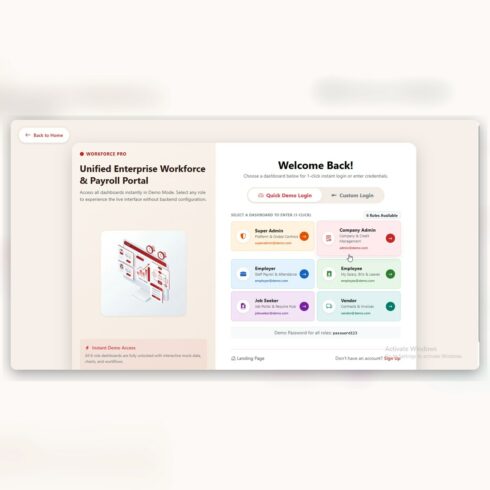
An interactive role switcher lets evaluators explore different personas without repeatedly signing out. Built-in demo credentials and realistic mock data make it convenient to preview the interface.
Key Features
Four role-based dashboards
Role-based access control and route guards
Interactive role switcher
Project portfolio and lifecycle tracking
Project timelines and progress indicators
CAD drawing repository and revision history
Drawing approval and review workflows
Purchase order creation and status tracking
Supplier profiles and manufacturing progress
Site installation tasks and milestone tracking
Site photo logs and daily notes
Issue tracking, punch lists, and inspection sign-offs
Budget-versus-actual cost analysis
Project activity and audit logs
Agile sprint and Waterfall workflow configurations
Reusable UI components and centralized state management
Responsive navigation and mobile-friendly layouts
Preconfigured demo accounts and mock data
Netlify deployment and SPA routing configuration
Technology Stack
React 19
TypeScript 5.8
Vite 6
Tailwind CSS 4
Lucide React
Motion / Framer Motion
React Context API
Express utilities
Google GenAI SDK integration-ready configuration
Requirements
Node.js 18 or higher
npm 9 or higher, or pnpm/yarn
A modern web browser
Installation
Extract the downloaded project package.
Open the project folder in your terminal.
Run npm install.
Copy .env.example to .env.local.
Configure the environment variables as needed.
Run npm run dev.
Open the local URL displayed in your terminal.
Demo Access
BuildSync includes demo accounts for four operational roles:
Senior Project Manager
CAD Designer
Material Supplier
Site Operations Lead
Use the provided demo credentials or the one-click role login options to explore the interface.
Deployment
The project includes configuration for Netlify and supports deployment to Vercel or standard static hosting with appropriate single-page application routing. Production assets are generated in the dist directory.
Important Notes
This package is a frontend-oriented project management template with mock data and demo access. Verify backend connectivity, persistent storage, authentication security, file uploads, and any AI-assisted functionality before using it in a live production environment.
License
Distributed under the Standard Commercial Marketplace License. Unauthorized redistribution, resale, and sublicensing are prohibited. Review the included purchase and license terms before use.