
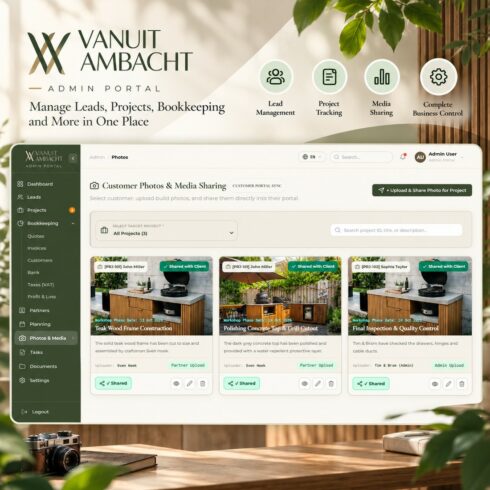
Vanuit Ambacht – Artisan Craftsman SaaS Management Portal
$14


| Created by | Kiaan_technology |
|---|---|
| File type | ZIP |
| File size | 4.75 MB |
| Date of Creation | October 29 2026 |
| Color | green purple red |
| Rating | 5 (15) |
| Category |
Demo link – https://laundry.kiaantechnology.online/delivery/dashboard
SpinClean PRO – Laundry POS & Operations Management System
SpinClean PRO is a modern, enterprise-grade laundry management and point-of-sale application designed for commercial laundries, dry cleaning businesses, and multi-branch garment care operations. Built with React 19, Tailwind CSS, and React Router, it provides dedicated role-based portals, order processing, live dispatch tracking, financial analytics, and bilingual support for English and Arabic with right-to-left layout. The offline-first frontend uses realistic mock data and localStorage persistence, with support for REST API integration.
Category: POS System / Business Management / Laundry Management
Project Type: React Web Application UI Template
Technology Stack: React 19, React Router DOM 6, Tailwind CSS 3.4, Framer Motion 11, React Icons, React Toastify, jsPDF, jsPDF-AutoTable, Axios
Key Features
Four role-based portals for Super Admin, Admin, Counter Staff, and Delivery Staff, with six dashboards and reports.
Super Admin dashboard for multi-branch oversight, staff allocation, global analytics, audit logs, and garment catalog configuration.
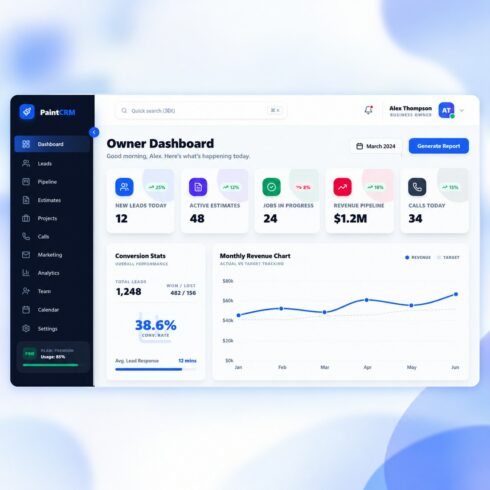
Admin dashboard with operational KPIs, revenue charts, live driver logistics, and activity feeds.
Counter staff portal for order ticketing, walk-in customer management, order tracking, and shift closeouts.
Delivery staff portal with assigned pickups, pending deliveries, schedules, workload management, and route tracking.
Financial reports with sales trends, payment analytics, customer reports, and PDF and CSV exports.
Multi-branch performance comparisons, shift settlement receipts, and garment sales statistics.
Full-screen customer display with automatic order progress refresh every five seconds.
Visual garment invoice builder with category filters, express service tags, and real-time price calculations.
Home pickup and delivery management with scheduling, driver assignment, address routing, and delivery tracking.
Daily shift settlement with cash balancing, K-Net card reconciliation, petty expense tracking, and bank deposit vouchers.
English and Arabic language support with full right-to-left layout.
Dark and light theme switching.
Offline-first functionality with realistic mock data and localStorage persistence.
REST API integration support through Axios.
Responsive interface for desktop and mobile devices.
System Requirements
Node.js 18 or higher
npm 9 or higher, or Yarn or pnpm
Modern web browser such as Chrome, Edge, Firefox, or Safari
Installation
Extract the project package.
Open the project directory named laundary frontend.
Run npm install to install dependencies.
Copy .env.example to .env if environment configuration is needed.
Start the development server using npm start or npm run dev.
Open http://localhost:5173 in your browser.
Environment Configuration
The default API URL is http://localhost:5000/api. The frontend can operate with mock data when the backend is unavailable.
Production Build
Run npm run build to generate optimized production assets in the build directory.
Deployment
The application can be deployed to Nginx, Apache, Vercel, Netlify, AWS S3, CloudFront, or compatible static hosting services. Configure server-side route fallback to index.html to support single-page application routing.