

FinFlow – Invoicing, Accounting & Inventory Management React Dashboard
$13


| Created by | Kiaan_technology |
|---|---|
| File type | ZIP |
| File size | 1.89 MB |
| Date of Creation | October 26 2026 |
| Color | blue gray green orange |
| Rating | 5 (6) |
| Category |
**HeRA – Home Massage Booking & Management System**
Live Demo: https://hera.kiaantechnology.online/login
HeRA is a modern React-based dashboard designed for home massage services, wellness businesses, and reception teams. It streamlines appointment booking, customer management, therapist scheduling, payment tracking, and business reporting through a clean and responsive interface.
### Key Features
– **Fast Call-to-Book Workflow:** Search returning customers by phone number and auto-fill booking details.
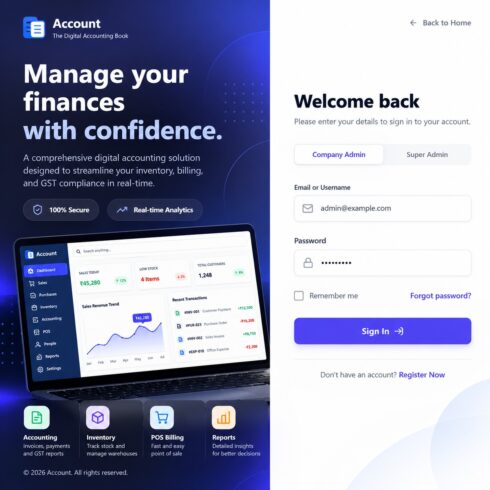
– **Role-Based Access Control:** Four roles—Super Admin, Manager, Receptionist, and Specialist/Therapist.
– **Business Dashboard:** KPI cards, revenue charts, appointment schedules, and customer activity.
– **Customer CRM:** Manage customer details, booking history, service areas, and lifetime metrics.
– **Therapist Scheduling:** Track availability and validate booking slots to help prevent scheduling conflicts.
– **Service Management:** Add, edit, and manage services, durations, pricing, and availability.
– **Payments & Invoicing:** Track transactions and Paid, Pending, or Partial payment statuses.
– **Reports & Analytics:** View financial, customer retention, and therapist utilization reports, with PDF and Excel exports.
– **Staff Management:** Manage staff accounts, roles, and active status.
– **Business Settings:** Configure business details, operating hours, tax/GST rates, and notification settings.
– **Local Data Persistence:** Demo workspace data is stored in browser LocalStorage.
### Technology Stack
React 19, Vite 6, Tailwind CSS 3, React Router DOM 7, Recharts, Lucide React, Framer Motion, and React Hook Form.
### Demo Access
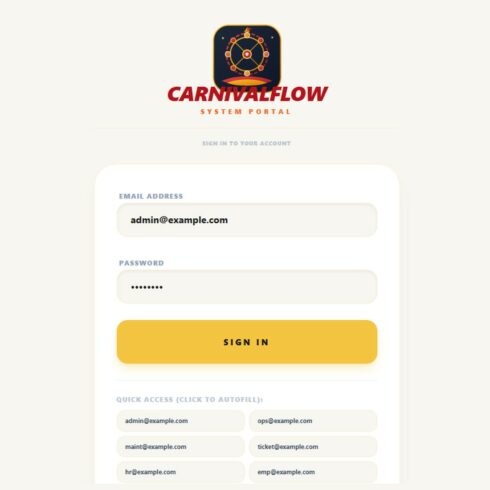
– **Super Admin:** [email protected] / admin123
– **Manager:** [email protected] / manager123
– **Receptionist:** [email protected] / agent123
– **Specialist/Therapist:** [email protected] / therapist123
### Installation
1. Extract the project and open its directory.
2. Run `npm install`.
3. Run `npm run dev`.
4. Open `http://localhost:5173`.
To create a production build, run `npm run build`.
### Important Note
HeRA is a frontend application with client-side LocalStorage persistence and preloaded mock data. A production backend, live payment processing, and external notification integrations are not confirmed as included.