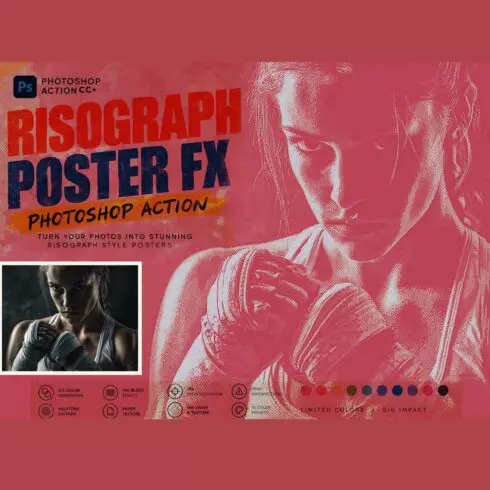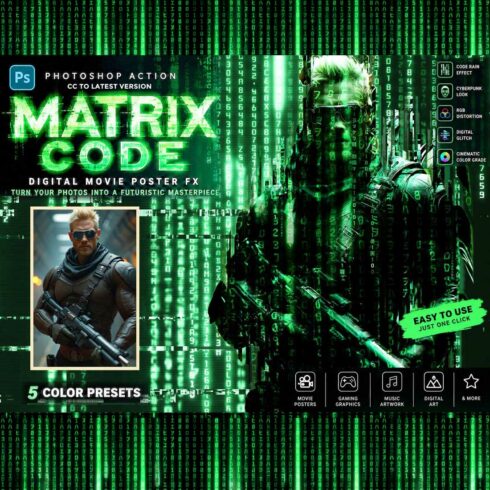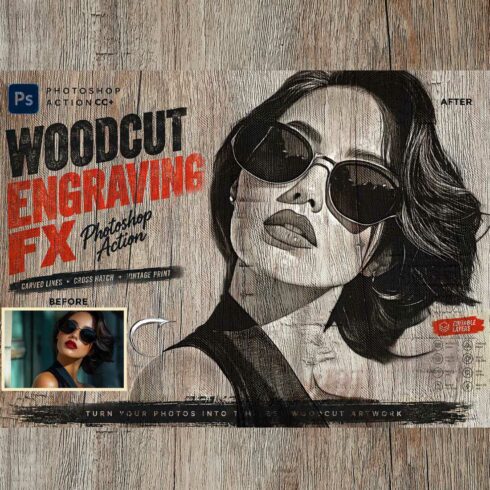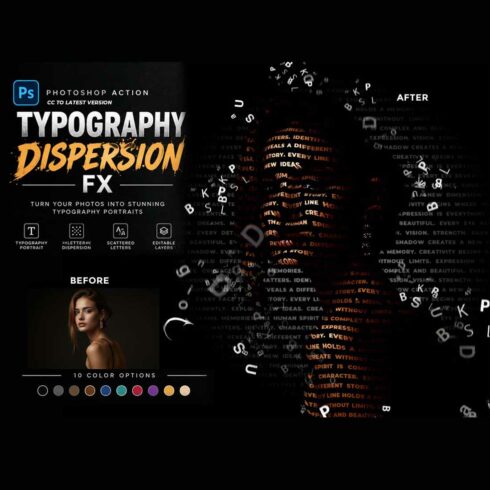

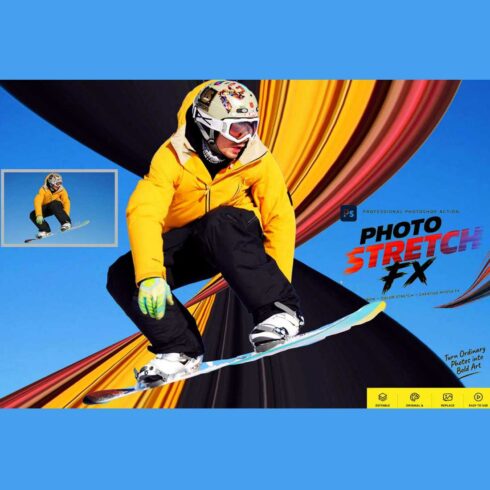
Photo Stretch FX — Photoshop Action
$9


| Created by | Studioretouch |
|---|---|
| File type | ATN |
| File size | 55.35 MB |
| Date of Creation | July 14 2026 |
| Color | blue green orange yellow |
| Rating | 5 (13) |
| Category |
Stipple Collection Photoshop Actions – 4 Premium Vintage Dot Illustration & Engraving Effects
Create stunning hand-crafted dot illustrations with the Stipple Collection Photoshop Actions. This premium bundle includes four professionally designed stipple effects inspired by traditional pen-and-ink artwork, vintage scientific illustrations, classic engraving techniques, and fine art dot drawing.
Designed for photographers, illustrators, graphic designers, tattoo artists, architects, publishers, and digital creators, these Photoshop Actions transform ordinary photos into realistic stipple artwork using thousands of detailed ink dots, smooth tonal shading, authentic paper textures, and timeless engraving aesthetics. Every action is fully editable, non-destructive, and organized into clean layer groups for effortless customization.
Included Photoshop Actions
✔ Stipple Art Pro
✔ Ink Dot Illustration
✔ Vintage Stipple Engraving
✔ Fine Dot Sketch
Each action offers a unique stippling style—from clean modern dot illustrations and detailed ink stippling to vintage engraved artwork and classic fine dot sketches—making this collection perfect for both artistic and commercial projects.
Features
• 4 Premium Stipple Photoshop Actions
• Realistic Hand-Drawn Dot Illustration Effects
• Professional Vintage Engraving Style
• Fine Ink Dot Shading
• Authentic Paper Texture Simulation
• Classic Scientific Illustration Look
• One-Click Photoshop Workflow
• Fully Editable Layers
• Non-Destructive Editing
• Smart Object Compatible
• High Resolution (300 DPI) Support
• Well-Organized Layer Structure
• Easy Customization
Perfect For
• Portrait Photography
• Wildlife & Animal Illustrations
• Botanical Artwork
• Architecture & Building Drawings
• Tattoo Design Concepts
• Book Covers & Editorial Design
• Posters & Wall Art
• Vintage Branding
• T-Shirt Designs
• Fine Art Prints
• Social Media Graphics
• Digital Illustrations
Compatible with Adobe Photoshop CS 6, CC 2020, CC 2021, CC 2022, CC 2023, CC 2024, CC 2025 and newer versions.
Whether you’re creating elegant portrait engravings, vintage botanical illustrations, scientific artwork, tattoo-inspired designs, or timeless black-and-white prints, the Stipple Collection delivers authentic handcrafted detail, beautiful tonal depth, and professional-quality results with just one click.
File Includes:
– ATN File included (Photoshop Action File)
– Pattern File
– PDF Help File
– Help File
– High quality result.
– Easy Customizable
– Organize layers
– Easy Install
– Easy to Use
– No photoshop skill needed
If you need any cooperation using the file please feel free to contact me:
[email protected]
“The model images and photographs are for presentation purposes and not included for sale”
Stipple Photoshop Action, Stipple Collection Photoshop Action, Dot Illustration Photoshop Action, Stipple Art Photoshop Action, Vintage Stipple Effect, Ink Dot Illustration, Fine Dot Sketch Photoshop Action, Stipple Engraving Photoshop Action, Pen and Ink Photoshop Action, Vintage Engraving Effect, Scientific Illustration Photoshop Action, Botanical Illustration Effect, Black and White Illustration, Hand Drawn Dot Art, Dot Drawing Photoshop Action, Engraving Photoshop Action, Fine Art Photoshop Action, Tattoo Sketch Photoshop Action, Portrait Stipple Effect, Digital Illustration Photoshop Action, Professional Photoshop Actions, Photoshop Action Bundle, Editable Photoshop Action, Smart Object Compatible, High Resolution Photoshop Action, Graphic Design Resources, Digital Art Tools
#StippleArt, #StippleSketch, #DotIllustration, #InkDrawing, #EngravingArt, #PhotoshopAction, #PhotoshopActions, #DigitalArt, #Illustration, #PenAndInk, #FineArt, #TattooDesign, #BotanicalArt, #PortraitIllustration, #GraphicDesign, #PhotoEditing, #DesignResources, #CreativeAssets, #ProfessionalEditing, #BlackAndWhiteArt, #VintageIllustration, #ArtistTools