
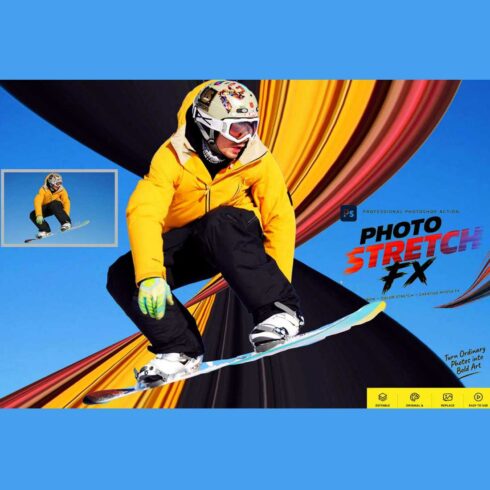
Photo Stretch FX — Photoshop Action
$9


| Created by | Studioretouch |
|---|---|
| File type | ATN |
| File size | 79.47 MB |
| Date of Creation | March 5 2026 |
| Color | blue green purple red |
| Rating | 5 (13) |
| Category |
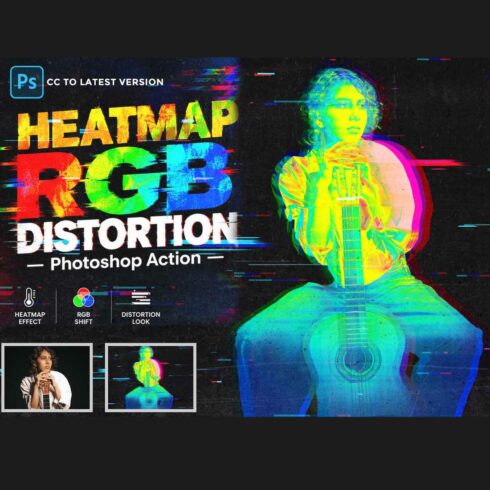
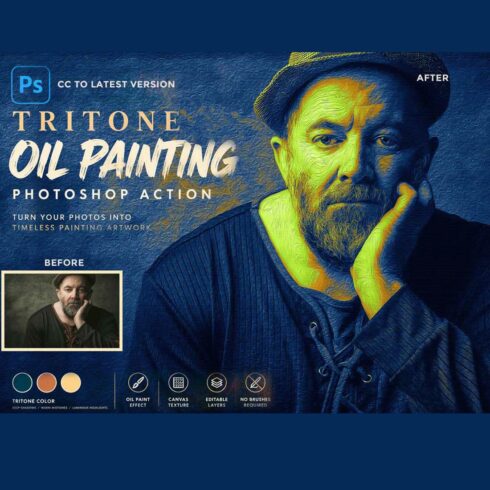
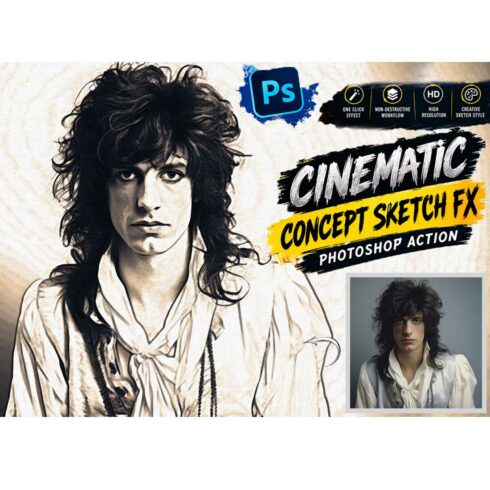
Analog Glitch Engrave Photoshop Action
Analog Glitch Engrave – Photoshop Action is a powerful creative tool that blends the timeless elegance of classic engraving art with the edgy feel of analog glitch . This action transforms your photos into detailed engraved illustrations while adding subtle glitch textures, vintage ink lines, and retro digital interference.
Perfect for designers, photographers, and digital artists who want to create a unique vintage-meets-modern aesthetic. With just one click, the action generates layered engraving strokes, analog glitch artifacts, and artistic textures that give your image a bold, high-impact look.
It works beautifully for posters, album covers, branding projects, social media visuals, editorial artwork, and creative portraits. The final result combines the sophistication of traditional engraving with the raw energy of analog glitch effects, producing a distinctive style that stands out in modern digital design.
This action has been tested and working on Photoshop CC2022 English Version.
Software supported version: CC,CC2014,CC2015,CC2015.5,CC2016,CC2017,CC2018,CC2019,CC2020,CC2021,CCC2022+ English Version.
Please watch video guide line here:https://youtu.be/7RcB33QyUvE
Most important instruction:
(1) First open an image in Photoshop. Now you need resize your image. For resize image select crop tools and go top menu
bar you see W x H x Reso three blank boxes. Write W 3000px, H 2000px, Resolution 72. Then press enter button.
(2) Open your photo Create a new layer then rename “paint” (in lowercase). Then select a brush and paint your subject focus area then click action play button.
Features:
– One-click artistic transformation
– Realistic Engrave Effect
– Use Halftone Texture
– Use Noise Texture
– Give Money Engrave Color
– Non-destructive workflow
– Fully organized & editable layers
– High-resolution ready
File Includes:
– ATN File included (Photoshop Action File)
– Pattern File
– Use Oil Filter
– Help File
– PDF Help File
– Video guide link in the help file
– High quality result.
– Easy Customizable
– Organize layers
– Easy Install
– Easy to Use
– No photoshop skill needed
If you need any cooperation using the file please feel free to contact me:
[email protected]
“The model images and photographs are for presentation purposes and not included for sale”
analog glitch, engrave ,photoshop action, engraving photoshop, action, glitch photoshop action, vintage ,engraving effect, analog glitch effect, retro glitch photoshop action, engraved portrait effect, vintage engraving texture, glitch art effect photoshop, retro digital distortion effect, engraving illustration photoshop action, glitch poster effect, artistic engraving photoshop action, vintage line engraving effect, creative glitch design effect
#PhotoshopAction#GlitchEffect#EngravingEffect#AnalogGlitch#VintageDesign#CreativePhotoshop#GlitchArt#DigitalEngraving
#GraphicDesignTools#PhotoshopEffects