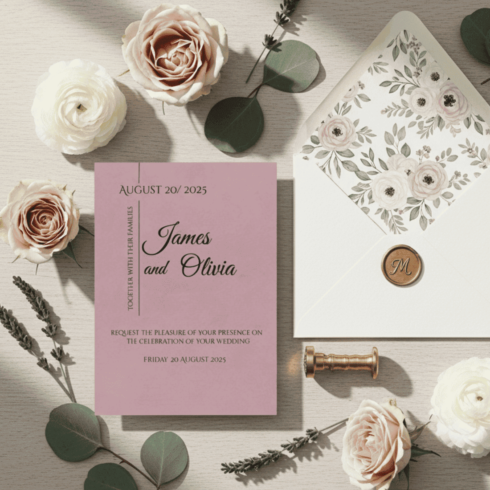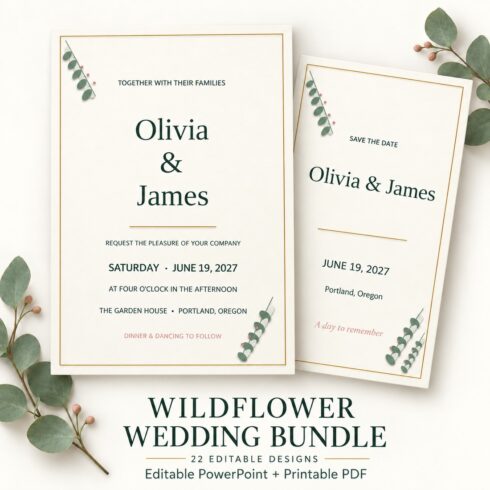

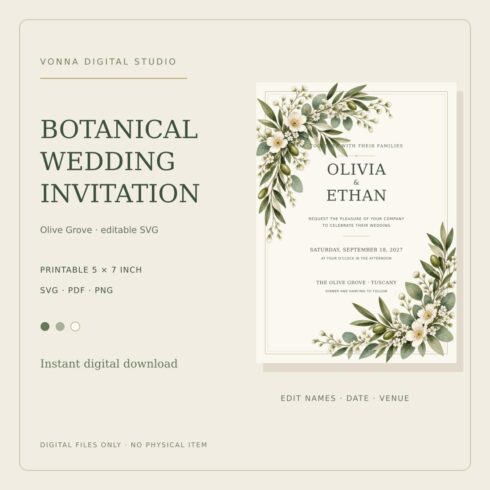
Wedding Invitation Template SVG 5×7 Olive Grove Botanical
$5






| Created by | TAZYEEN |
|---|---|
| File type | JPG, PDF, PNG, SVG |
| File size | 2.08 MB |
| Date of Creation | September 9 2025 |
| Color | black gray green |
| Rating | 5 (13) |
| Category |
1. Open the .fig file in Figma (you can use either the desktop app or the browser version at https://figma.com).
2. Select the text fields (names, date, location) and replace them with your own information.
3. You can also change the fonts (choose any from Figma’s library or upload your own).
4. Once you finish editing, export your design:
– File → Export → choose PNG, JPG, or PDF.
– Recommended: PDF for printing, PNG/JPG for digital sharing.
———————————–
🎨 Notes:
– The template is set up for high-quality printing.
– You can duplicate the page to create multiple variations.
———————————–
✨ Tips:
– Use elegant fonts for names to keep the wedding vibe classy.
– Stick to your wedding’s color theme for harmony.
– Test print before finalizing to ensure perfect colors.