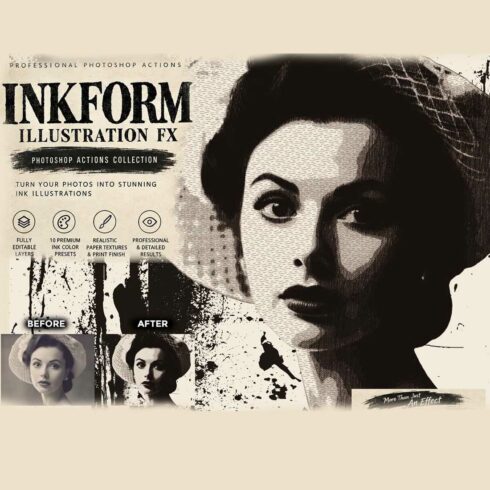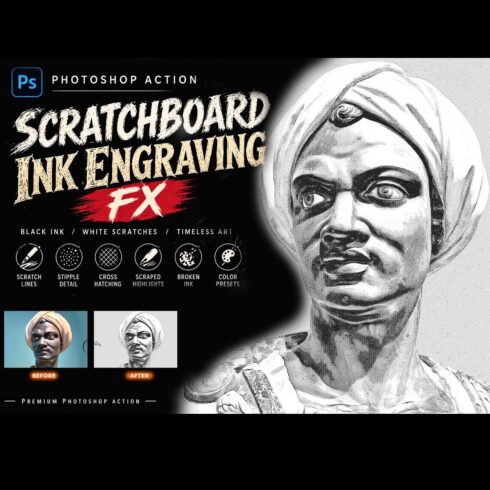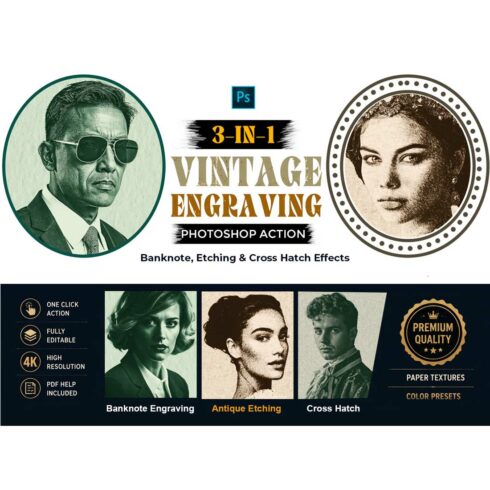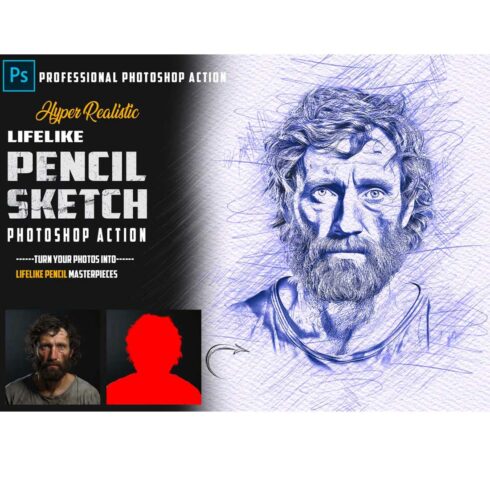

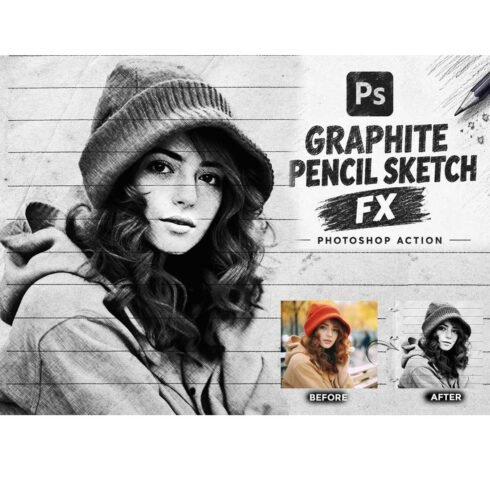
GRAPHITE PENCIL SKETCH FX — Photoshop Action
$9

| Created by | Studio Retouch |
|---|---|
| File type | ABR, ATN, PAT, PDF, TXT |
| File size | 378.84MB |
| Date of Creation | February 8 2023 |
| Color | black blue purple red |
| Rating | 5 (10) |
| Category |
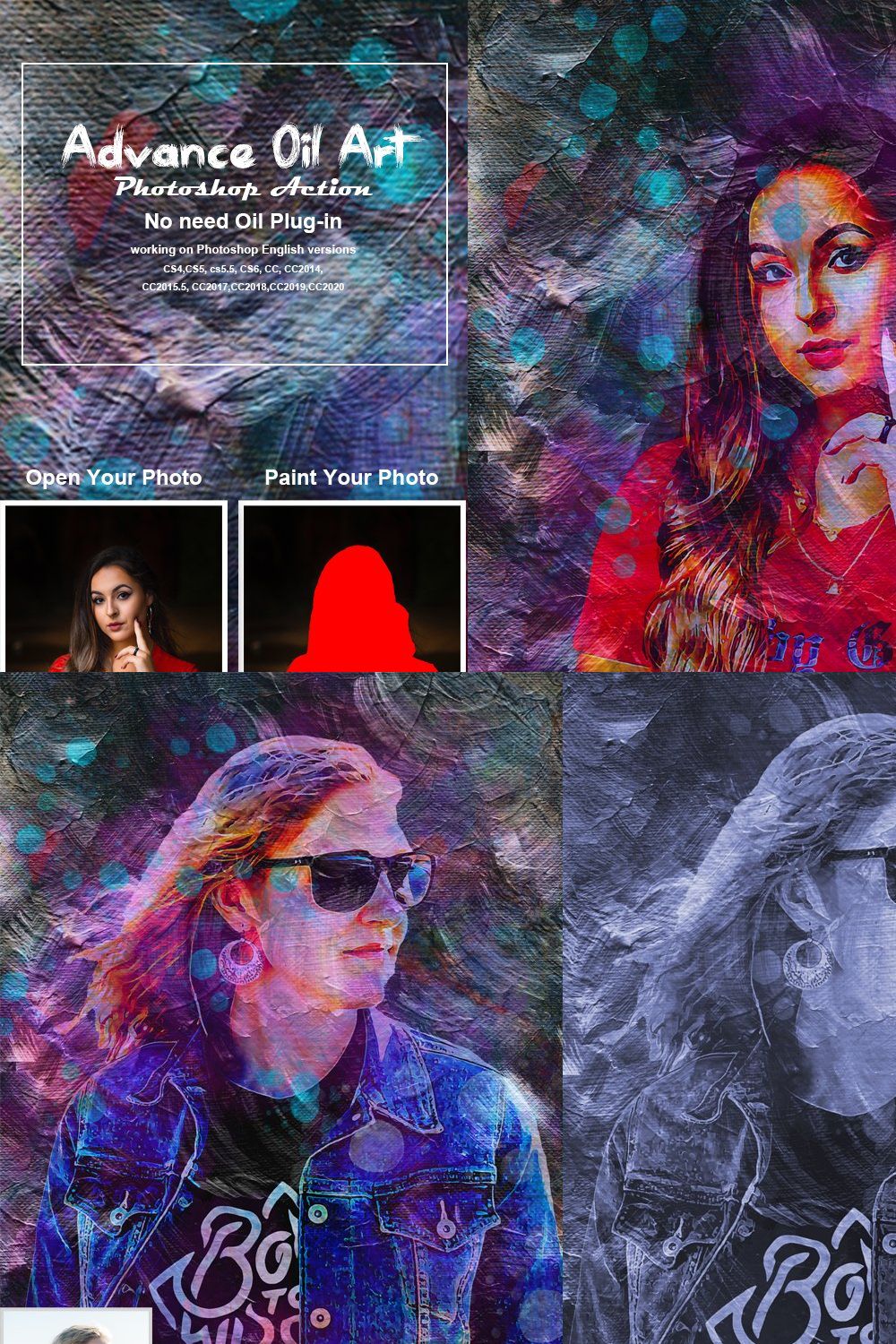
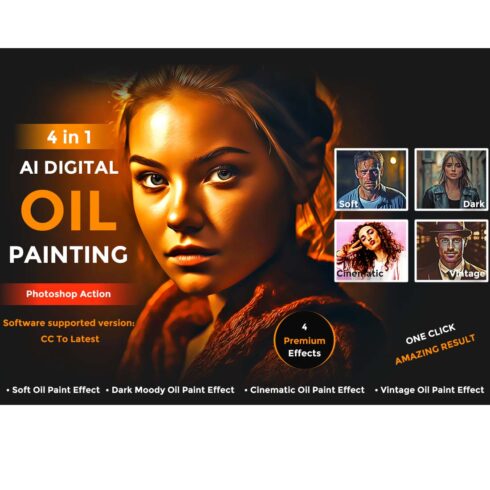
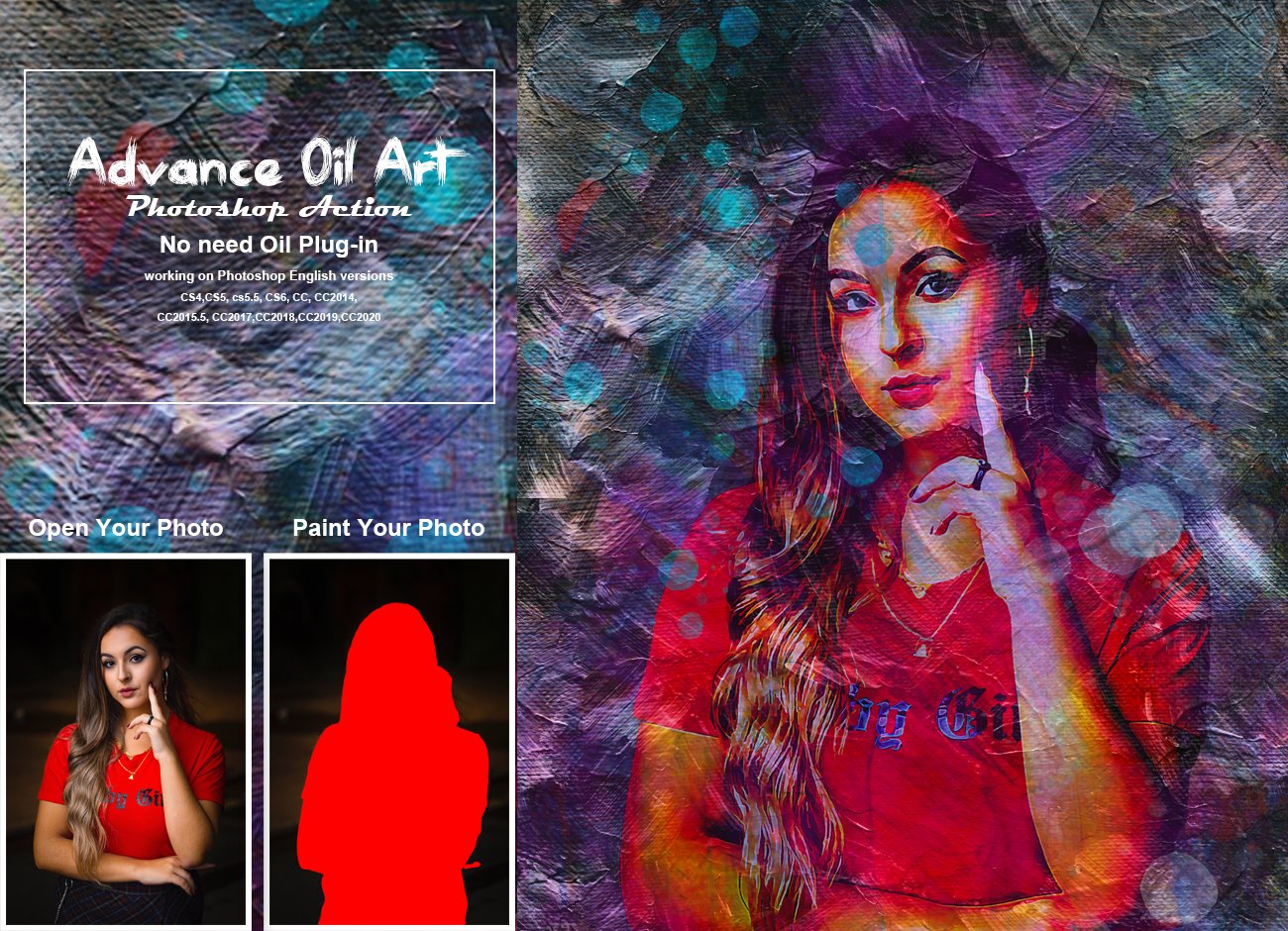
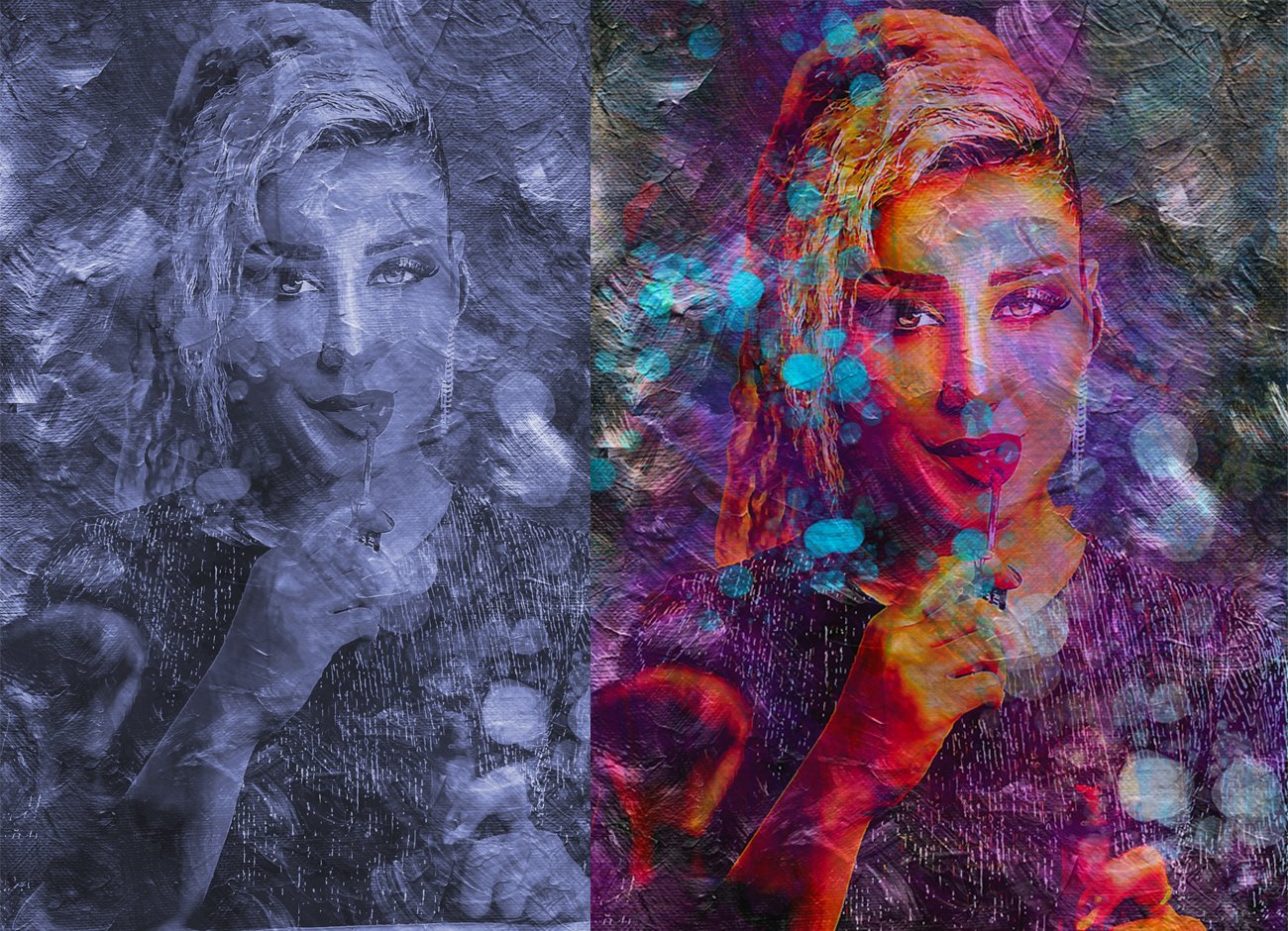
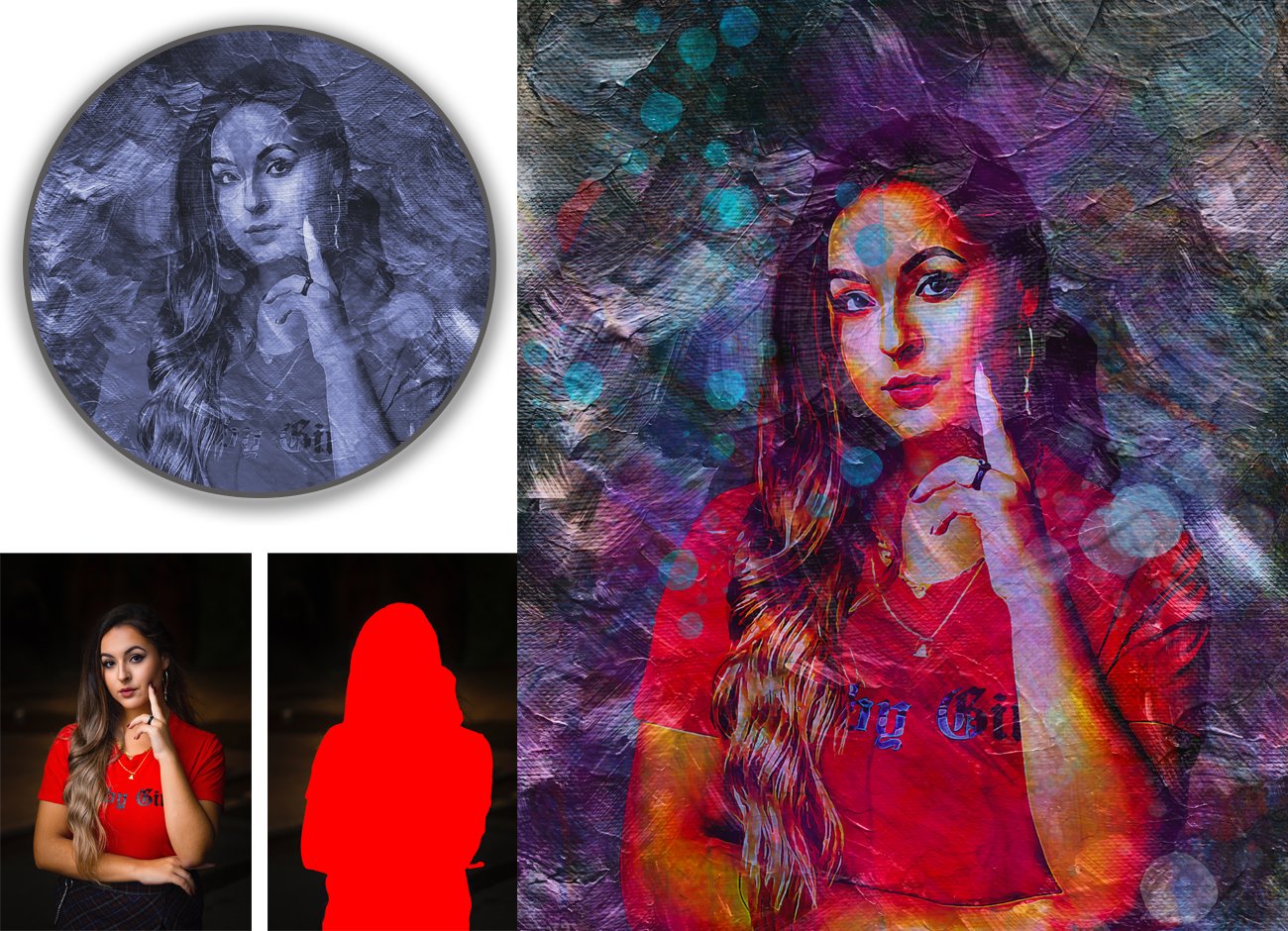
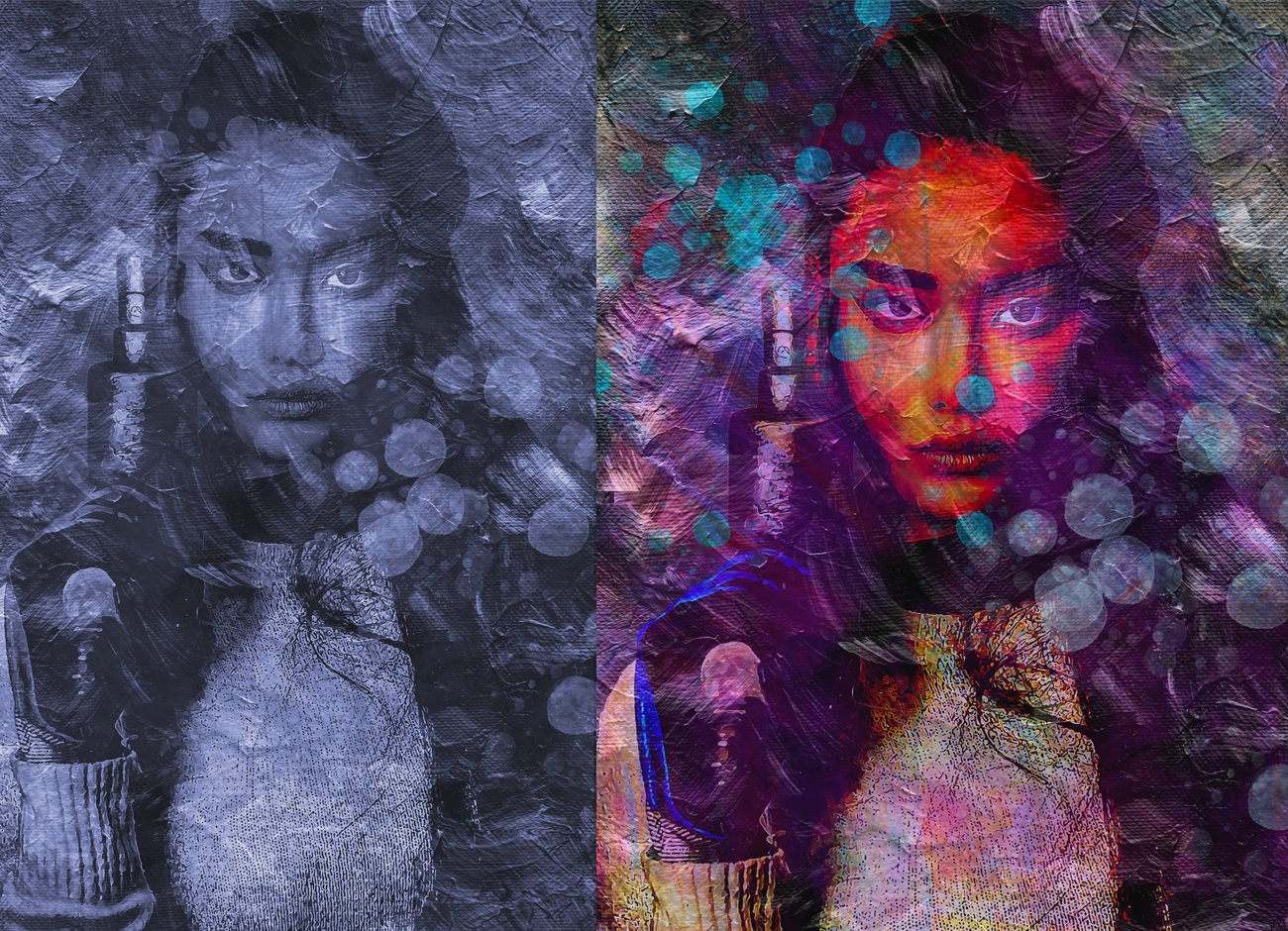
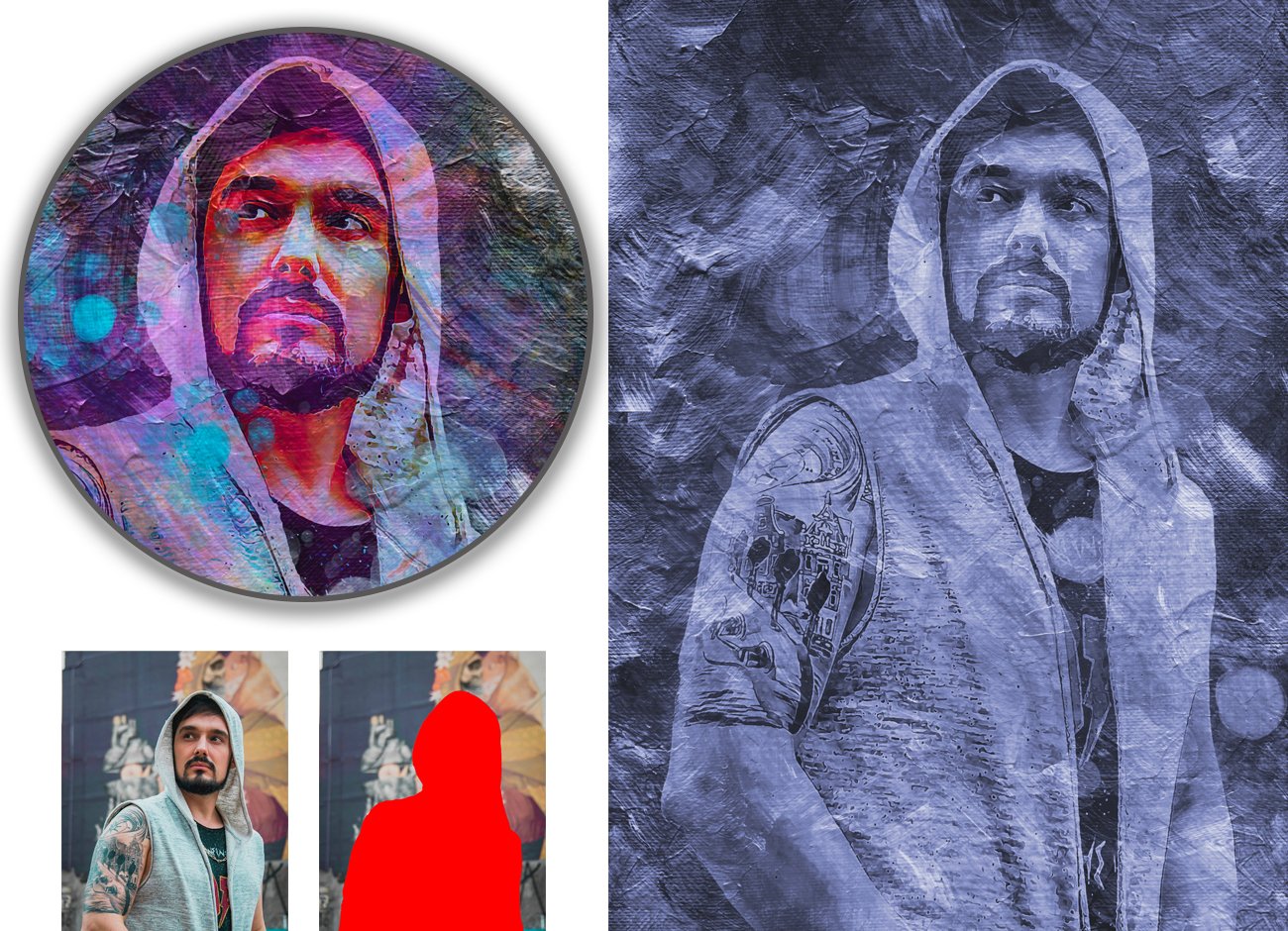
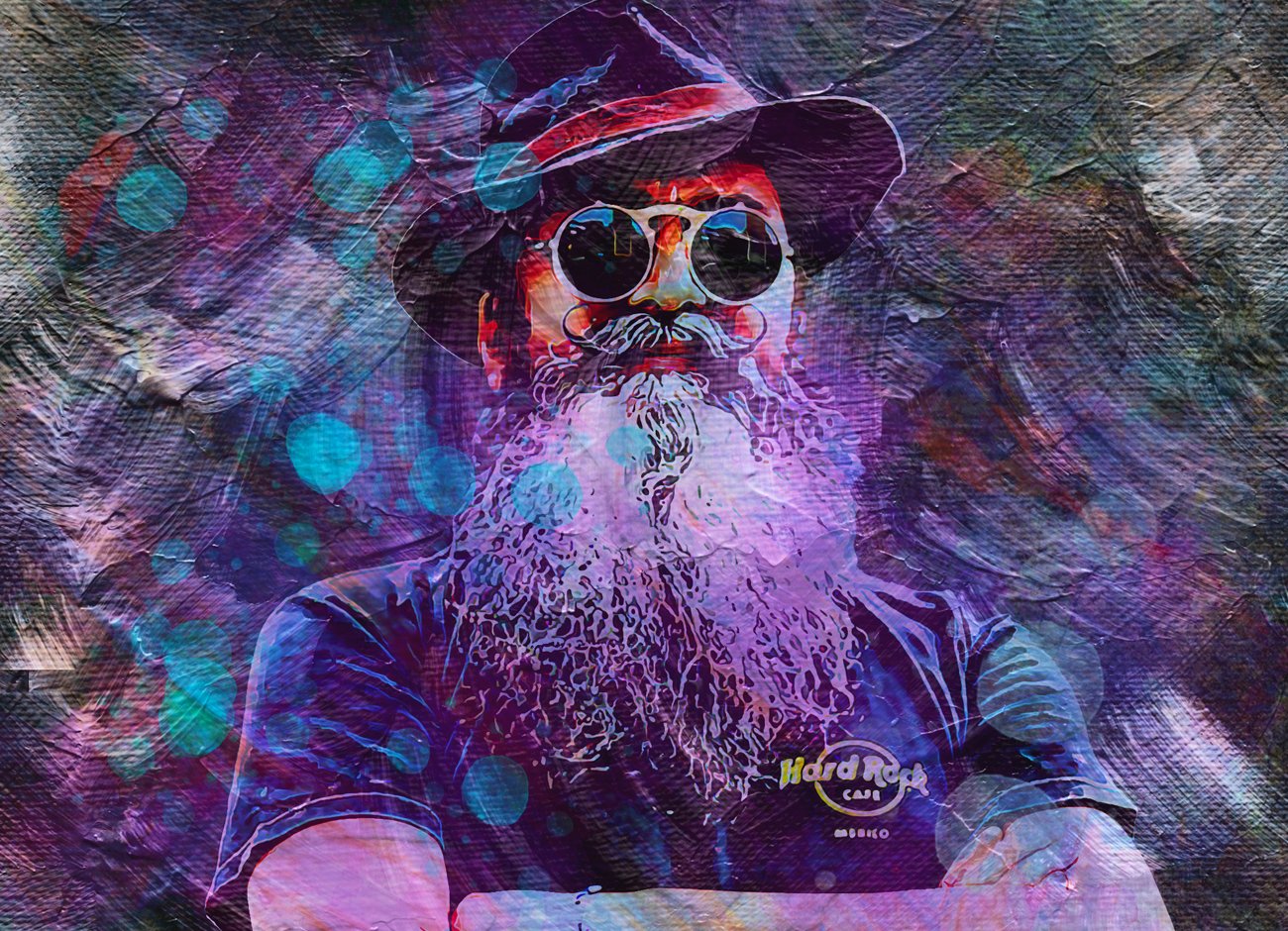
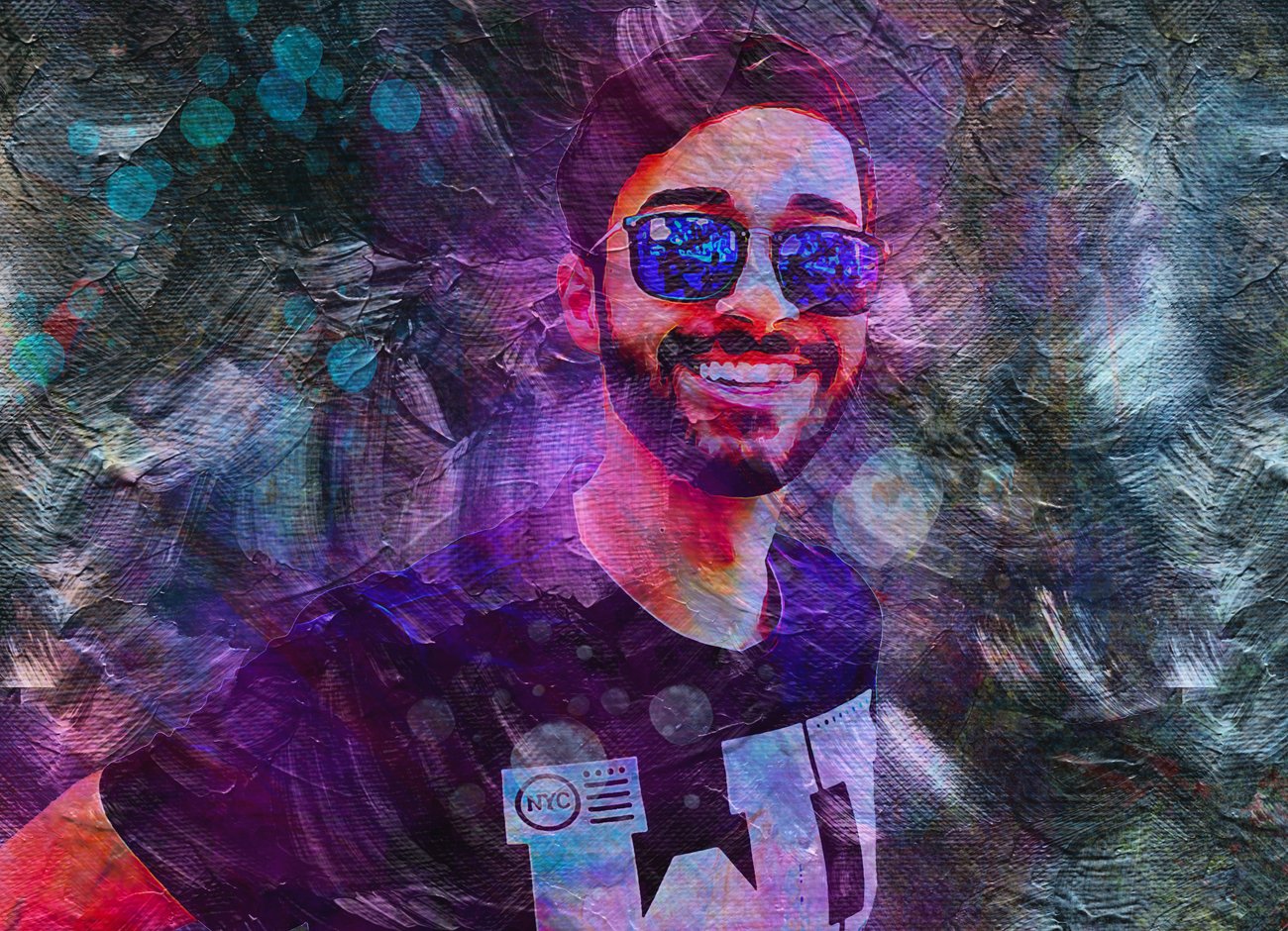
Advance Oil Art Photoshop Action
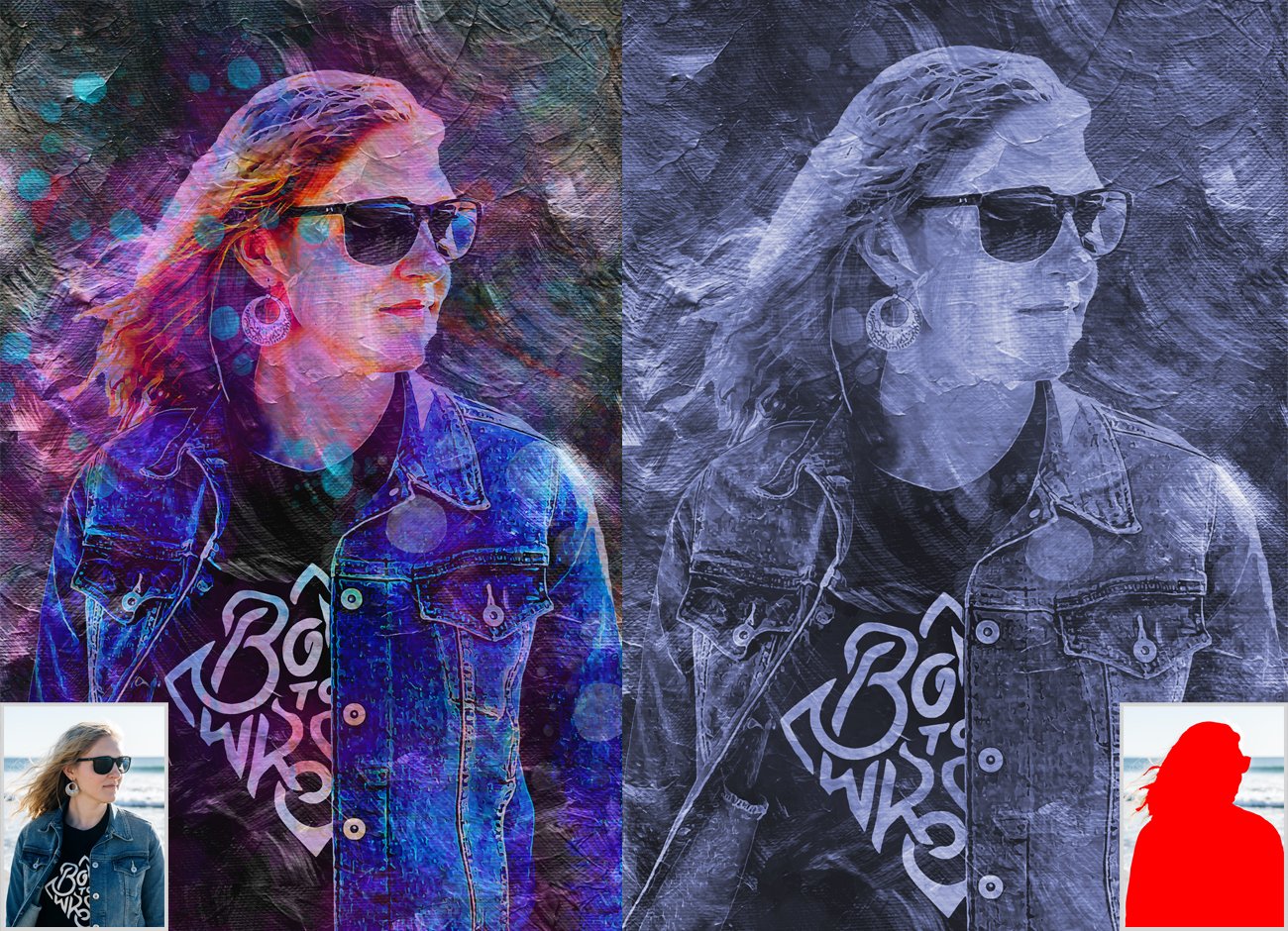
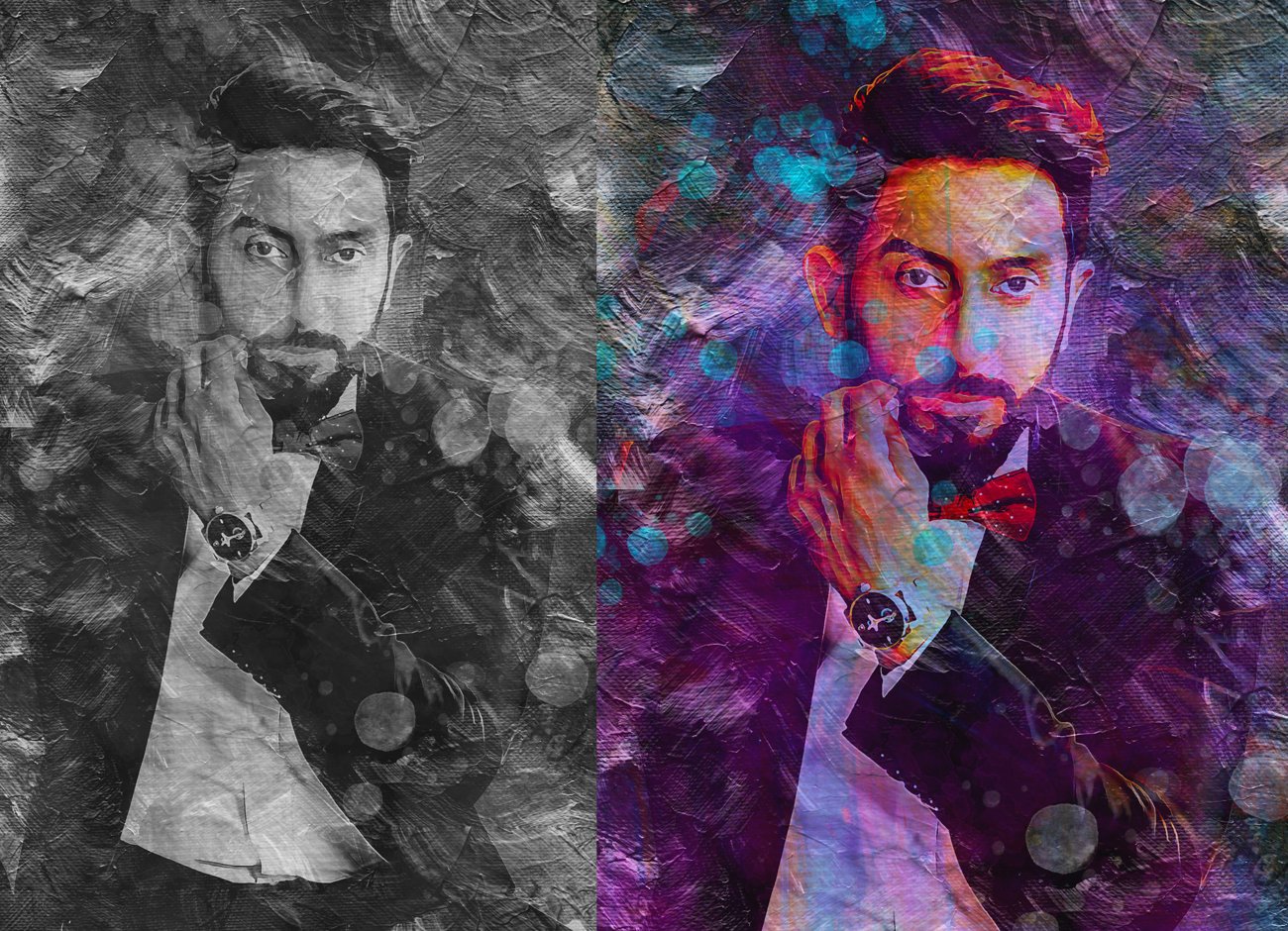
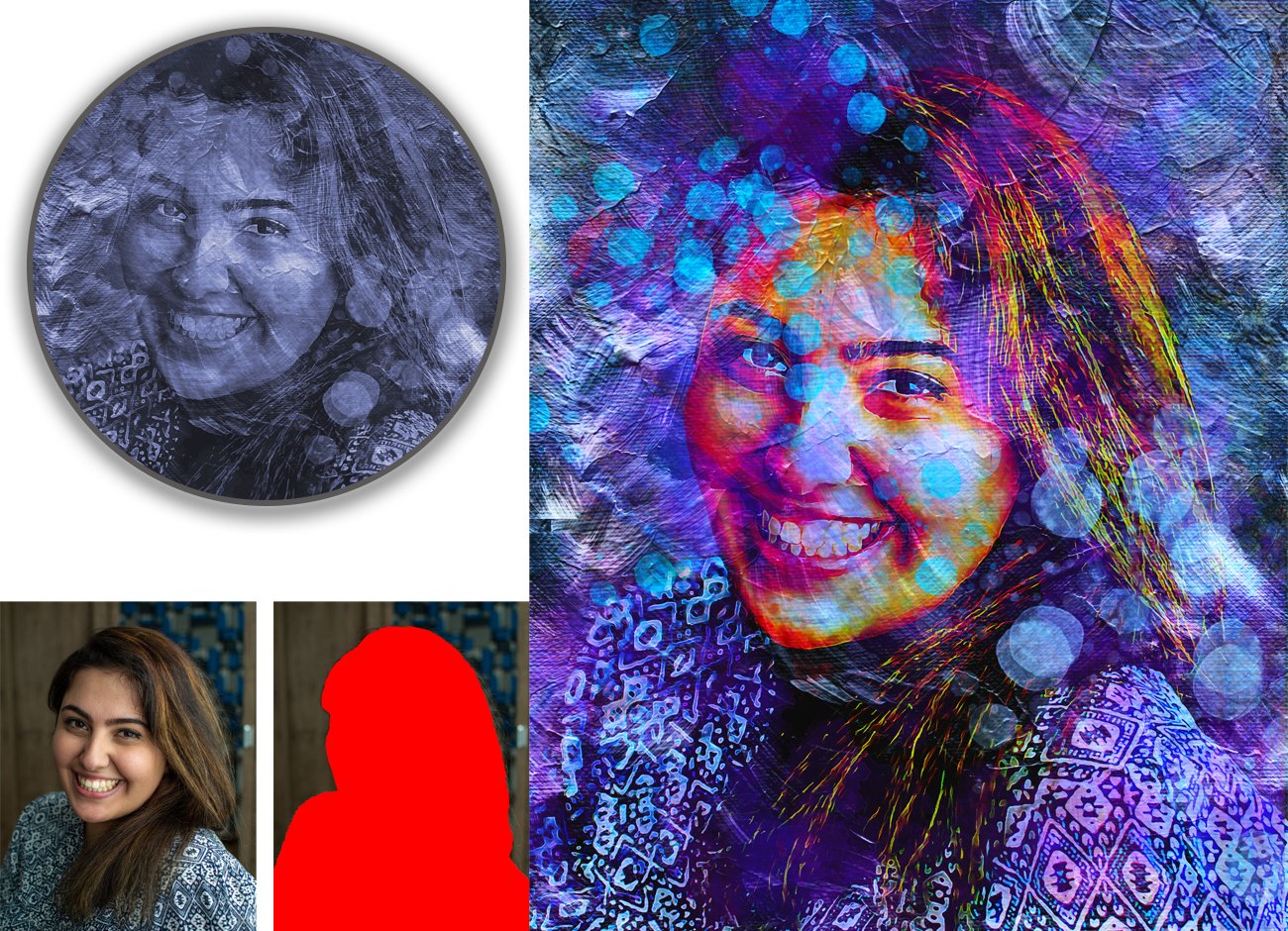
This action is designed to transform your photo’s into real Advance Oil Art look.
Easy to customize, Non-destructive effect.
My Working Software Version : CC2020 English Version.
Software supported version: CS4,CS5, CS5.5, CS6, CC, CC2014, CC2015.5, CC2017,CC2018,CC2019,CC2020 English Version.
In this action you well get 10 different color option
When you open unviewed eye .You can also adjust color very easy.
Most important instruction:
First open a photo take a new layer then rename “brush”( in lowercase).
Then select a soft brush and brush your image. Close brush layer eye and keep selection brush layer
Then click action play button.
File Includes:
ATN File(Photoshop Action File included)
Brush File
Pattern file
Help File
PDF Help File
No need Oil Plug in
Non-destructive Workflow
Work on every photos
High quality result
Recommend :Use images 2000x3000px for good result
Preview images are not included