
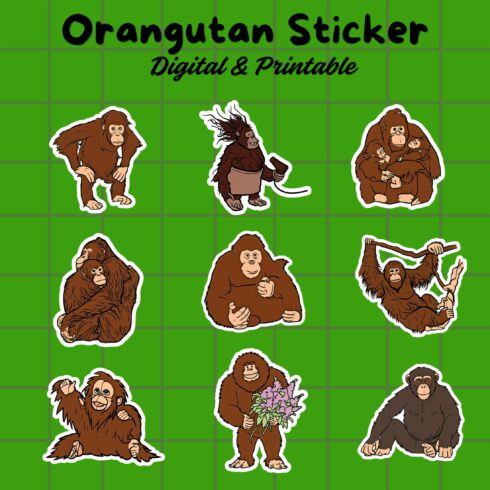
Orangutan Sticker Bundle – 38 Cute Jungle Animal Stickers, PNG, SVG, JPG
$9


| Created by | ilo |
|---|---|
| File type | EXE, TXT, ZIP |
| File size | 859.11 KB |
| Date of Creation | October 13 2026 |
| Color | blue orange pink purple |
| Rating | 5 (10) |
| Category |
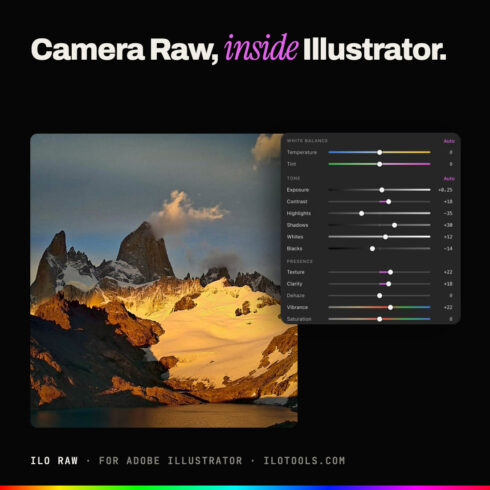
Ilo Color Tools brings the colour controls you know from photo editors to vector artwork, right inside Adobe Illustrator.
Select any artwork and adjust it live: Curves per channel, Levels, Hue/Saturation, Exposure, Brightness/Contrast, Colour Balance, Temperature/Tint, Shift to Colour, Desaturate and Invert. Every change previews on your art before you apply it, and works on fills, strokes, gradients and groups.
Made for print:
– Print Match converts bright RGB colours to the closest printable CMYK for your profile and ink limit, keeping the hue, and shows how close each colour got (Delta E)
– Riso plates split your design into spot-colour layers ready for risograph printing
– Vector Grain adds a real, editable grain texture to flat colour
No Photoshop round-trip and no rasterising: your artwork stays vector and editable.
Requirements: Adobe Illustrator 2023 or newer, macOS 11+ or Windows 10/11.
Licence: 1 year, 2 computers, commercial use included. After purchase, send your order number via ilotools.com/support and we email your licence key. The panel also starts with a 5-day free trial.